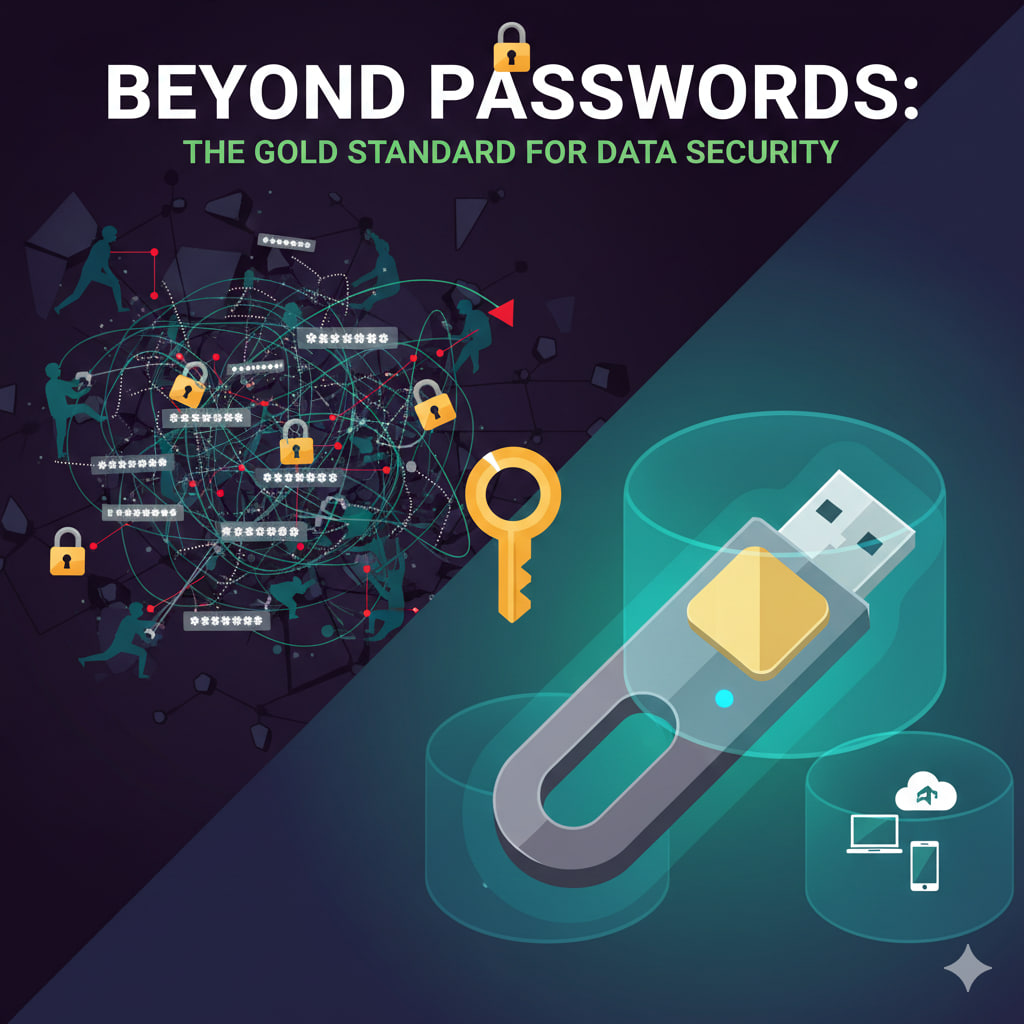
You’ve likely been told for years that a “strong password” is your best defense. But in an era of sophisticated phishing and massive data breaches, even a 20-character string of gibberish isn’t enough. Hackers don’t “guess” passwords anymore; they steal them through fake login pages or buy them on the dark web.
Enter the Physical Security Key: a tiny device that looks like a USB thumb drive but acts as an unhackable digital bodyguard.
🛡️ What is a Physical Security Key?
Known technically as U2F (Universal 2nd Factor) or FIDO2 tokens, these devices (like YubiKey or Google Titan) replace or supplement your traditional two-factor authentication (2FA).
Instead of typing in a code sent via SMS—which can be intercepted via SIM-swapping—you physically touch or plug in your key to prove it’s really you.
🚀 3 Reasons It Outperforms Every Other Method
1. It is Phish-Proof
Standard 2FA (like a code texted to your phone) can be stolen. If a hacker tricks you into entering your code on a fake website, they have full access. A physical key, however, communicates directly with the browser. It will refuse to provide the “handshake” if the website URL doesn’t match the real service (e.g., g00gle.com vs google.com).
2. No More “SMS Fatigue”
We’ve all been there: waiting for a text code that never arrives, or fumbling with a 6-digit number before the timer runs out. With a physical key:
- Plug it in.
- Tap the gold sensor.
- You’re in.
3. Immunity to Remote Attacks
A hacker in another country can guess your password. They can even try to trick your mobile carrier into porting your number. But they cannot physically touch the device hanging on your keychain. It bridges the gap between the digital and physical worlds in a way software simply cannot.
🛠️ How to Get Started
- Buy Two: Always buy a primary key and a backup. If you lose your only key, getting back into your accounts can be a nightmare.
- Register Your Main Accounts: Start with your email (the “master key” to your life), then move to banking and social media.
- Keep the Backup Safe: Store your second key in a secure location, like a home safe or a trusted relative’s house.
⚠️ A Common Misconception
“If I lose my key, I’m locked out forever.” Not necessarily. Most services allow you to set up “Recovery Codes” or use a secondary 2FA method as a fallback. However, the goal of a security key is to be so secure that it is the primary gatekeeper.
Leave a Reply