In 2026, many companies are tightening their cash belts, leading to the rise of the “Quiet Promotion”—where employees are given more responsibility and a loftier title, but with no increase in their base salary.
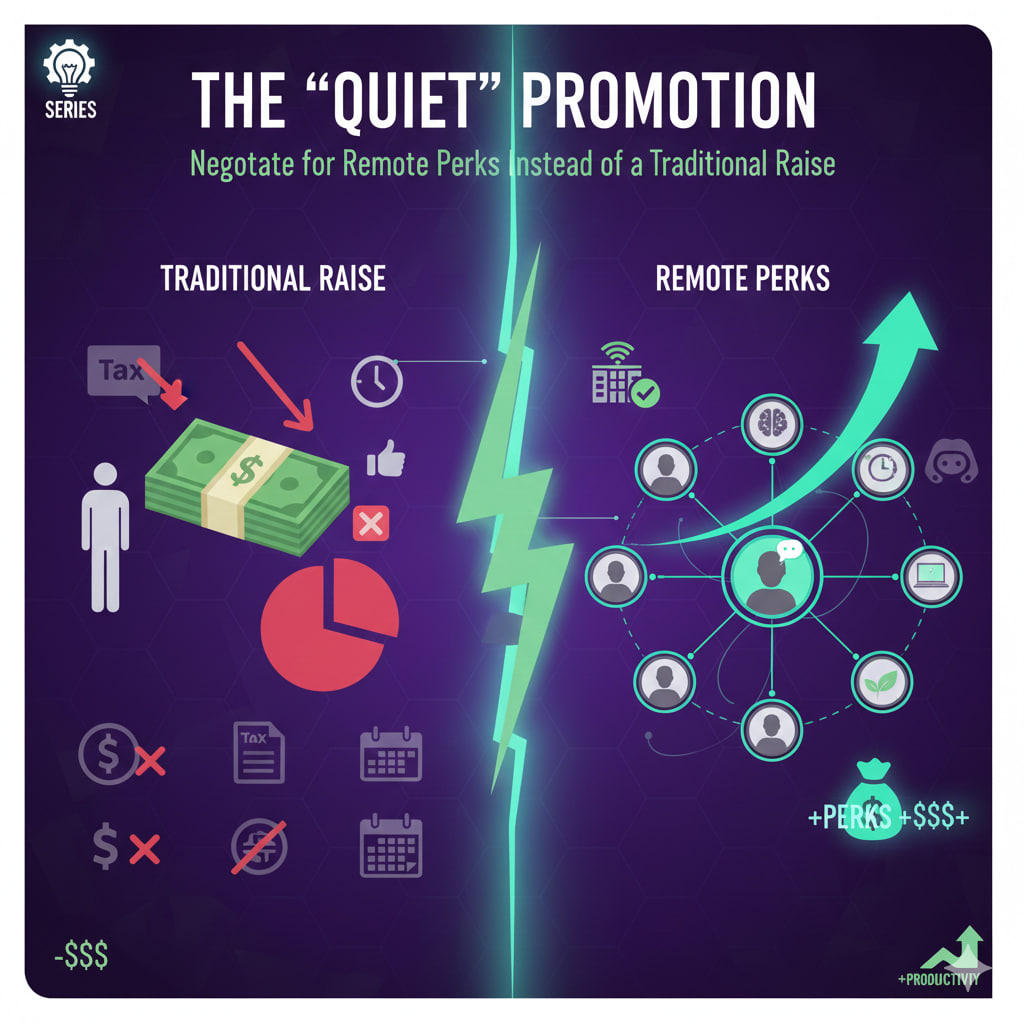
While a bigger paycheck is the gold standard, it isn’t the only way to increase your net worth or quality of life. If your manager says “the budget is frozen,” it’s time to pivot the conversation toward Remote Perks. These benefits often come from different budget pools (like Operations or HR) and can save you thousands in taxes, time, and expenses.
💰 Why Remote Perks Can Be Better Than Cash
A traditional $5,000 raise isn’t actually $5,000. After federal, state, and payroll taxes, you might only see $3,200–$3,500 in your bank account over a year.
However, many remote perks are tax-advantaged or direct expense reimbursements. If the company pays for your high-speed internet and $200/month co-working membership, that is “tax-free” value that stays entirely in your pocket.
🛠️ 5 High-Value Perks to Negotiate For
1. The “Geographic Neutral” Salary Clause
If you move from a high-cost city (like San Francisco) to a lower-cost area (like Lisbon or Austin), many companies try to “adjust” your pay downward. Negotiate for a Locality Pay Freeze, ensuring your salary remains the same regardless of your zip code. This is an immediate, massive increase in your purchasing power.
2. Professional Development & Coaching Credits
In the AI-driven market of 2026, your skills are your currency. Negotiate for a dedicated annual budget (e.g., $3,000) for specialized certifications, 1-on-1 executive coaching, or attending international conferences.
3. The “Stipend Trio”: Tech, Wellness, and Utilities
Request a monthly non-taxable stipend to cover the overhead of your home office:
- Connectivity: Gigabit internet and a dedicated 5G backup line.
- Ergonomics: A recurring “hardware refresh” budget every 24 months.
- Health: Credits for local gym memberships or specialized mental health apps.
4. Asynchronous Sovereignty (Flex-Time)
Instead of more money, ask for Core Hours. Negotiate a schedule where you only need to be online and available from 10:00 AM to 2:00 PM. Outside of those four hours, you work whenever you want. The value of reclaiming your mornings or afternoons is a massive “lifestyle ROI.”
5. Paid Sabbatical Accrual
Negotiate for an extra week of “focused leave” for every year you stay with the company. This isn’t just vacation; it’s a dedicated, paid block of time for deep work, travel, or personal projects that prevents the burnout typical of “Quiet Promotions.”
📈 The Negotiation Framework: “Value-In, Value-Out”
Don’t just ask for perks; frame them as a way to increase your output. Use the Interest-Based Negotiation model to align your needs with the company’s goals.
| You Say… | The Hidden Benefit for the Boss |
| “I’d like a $200/mo co-working stipend.” | “I will be more productive in a professional environment.” |
| “I’d like a 4-day work week or flex-hours.” | “I am prioritizing ‘Deep Work’ blocks to hit my KPIs faster.” |
| “I want a $2k tech refresh budget.” | “I will have zero downtime due to hardware failure.” |
💡 The Final Move: Get it in Writing
A “handshake deal” on remote perks often disappears when a new manager arrives. Ensure that any non-cash benefits are added as a formal addendum to your employment contract.